Lost doesn't have to mean gone
Protect what you'd hate to lose.
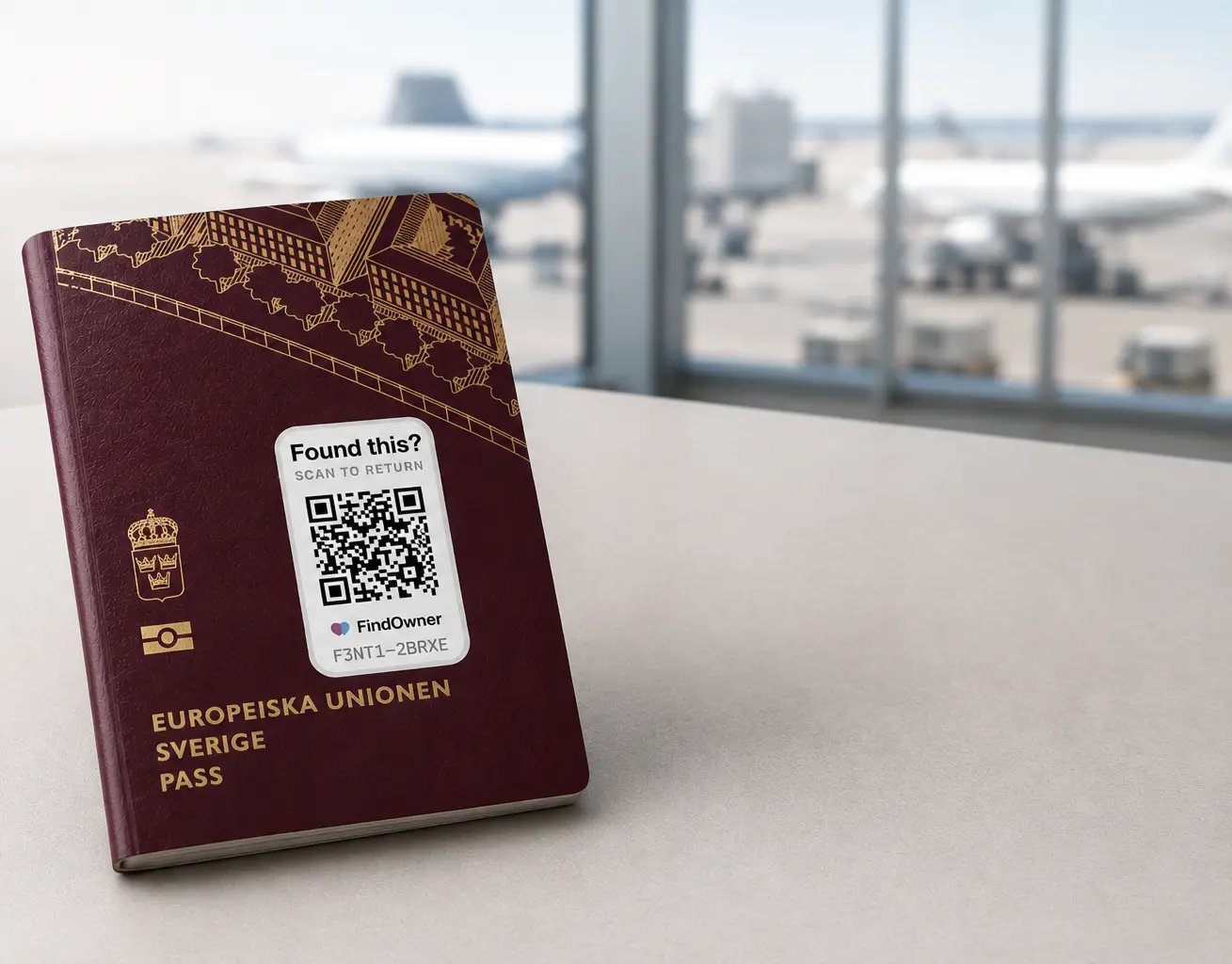
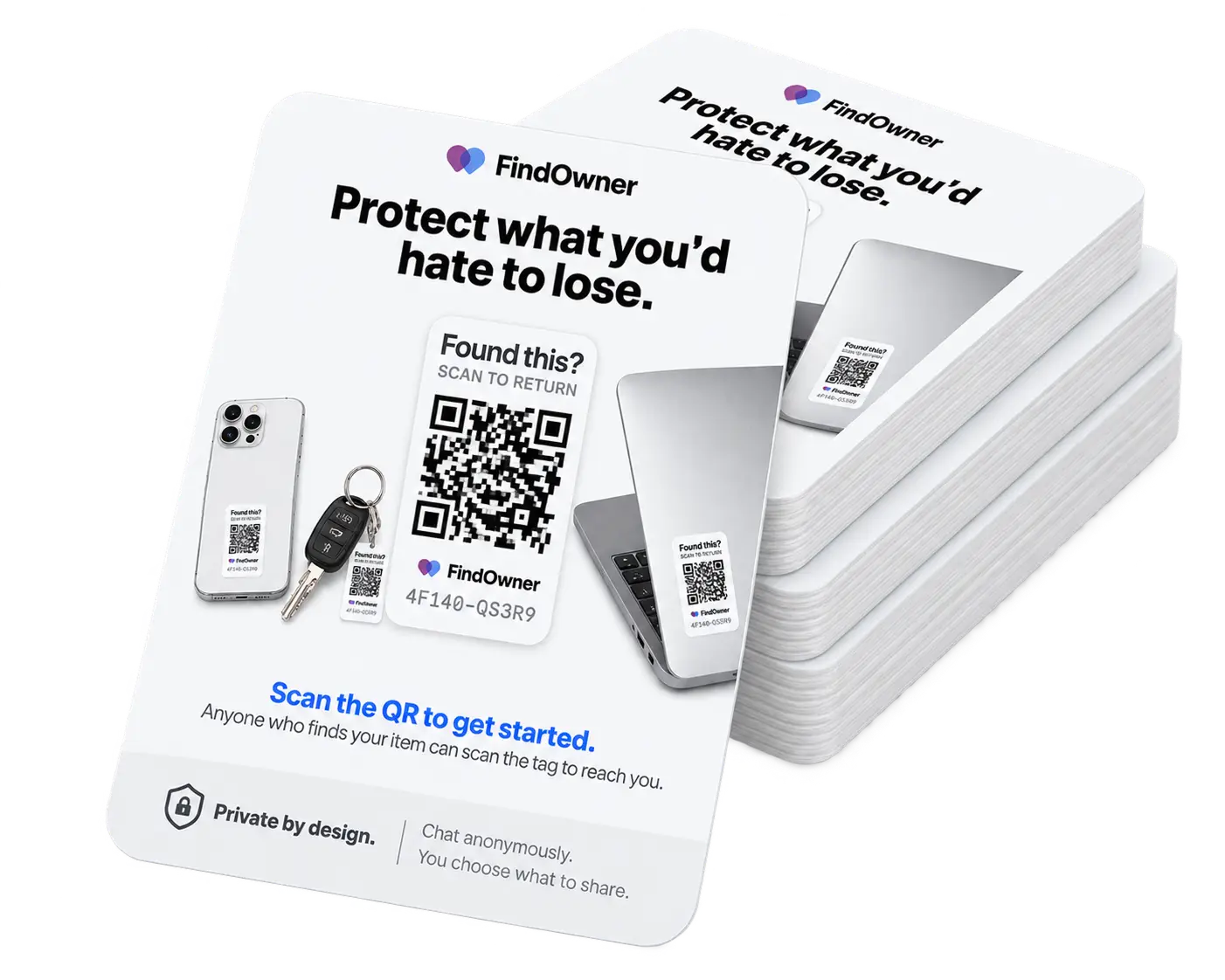
Tag your stuff. If it's found, whoever finds it can scan the tag and message you privately.
Free to start · No app required · Private by design
Tag it
Stick it on what you want to protect.
Finder scans
Anyone who finds it can scan the tag.
You get it back
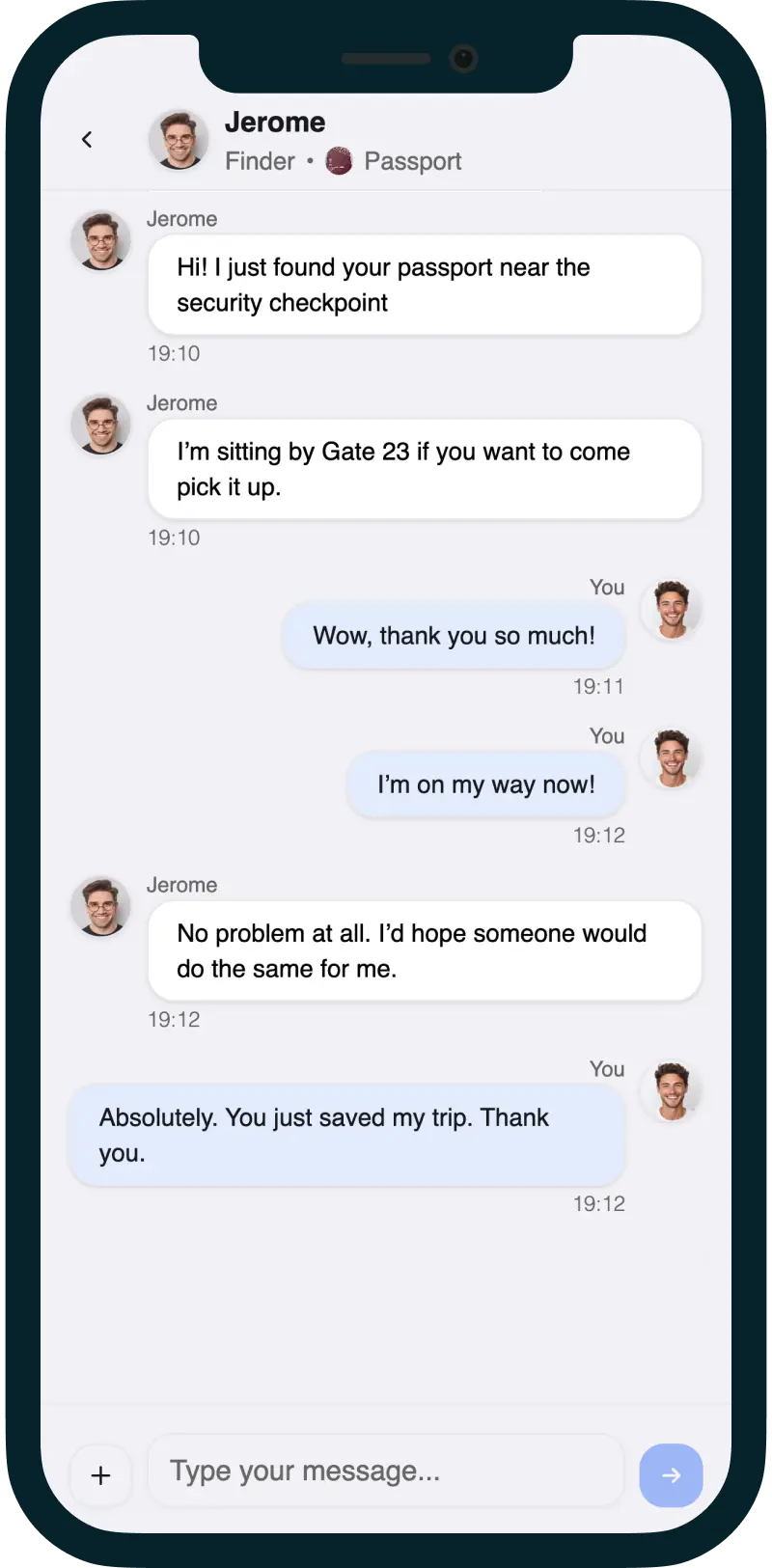
They can contact you privately
Private by design.
Chat anonymously.
You choose what to share.
More than passports
Protect the things that matter.
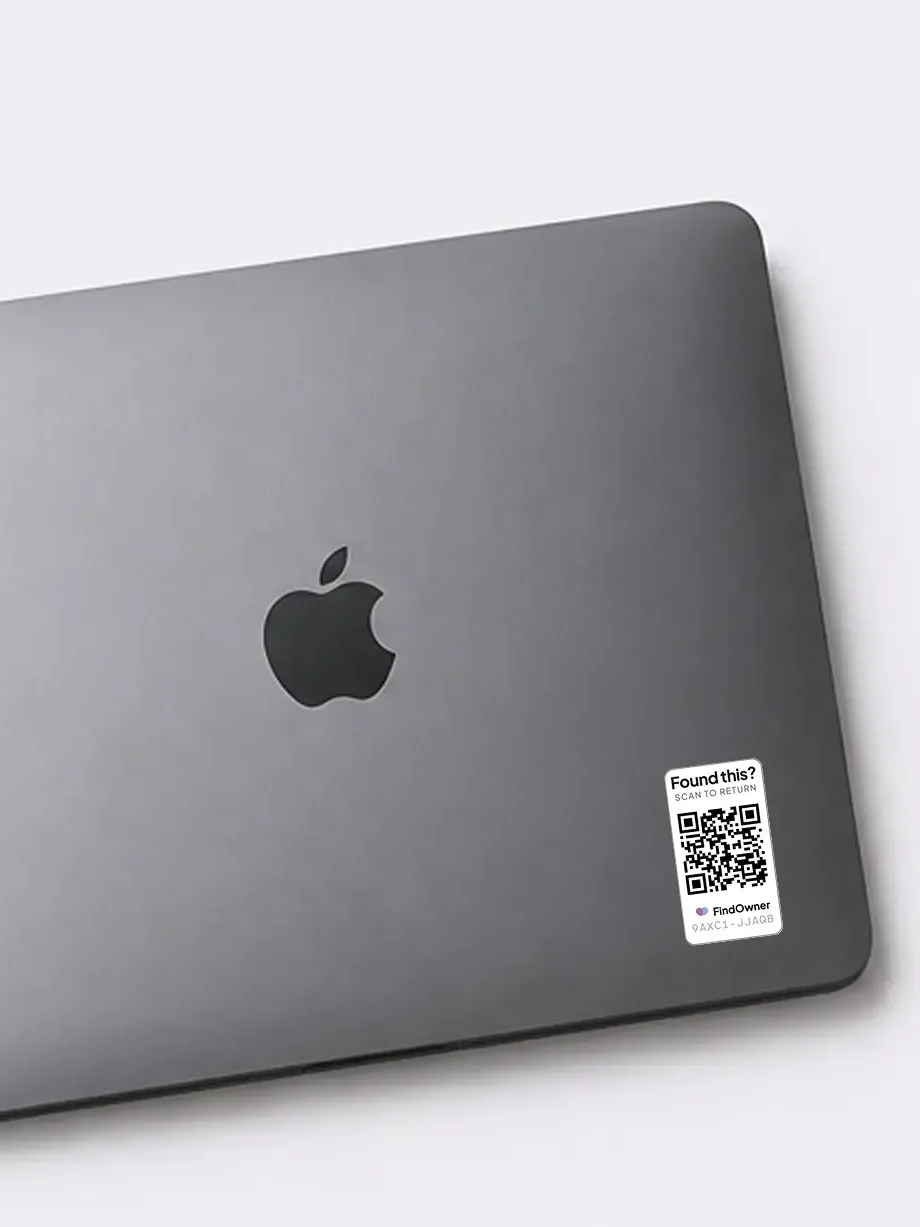
Laptop
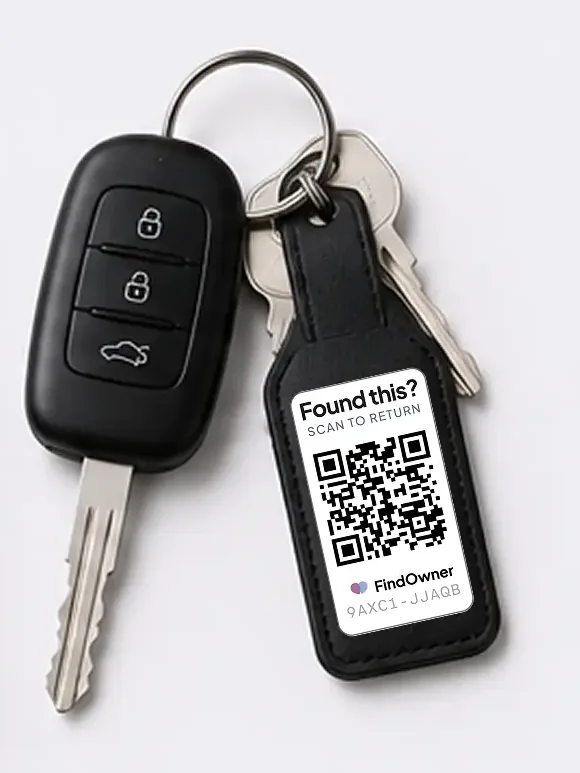
Car keys
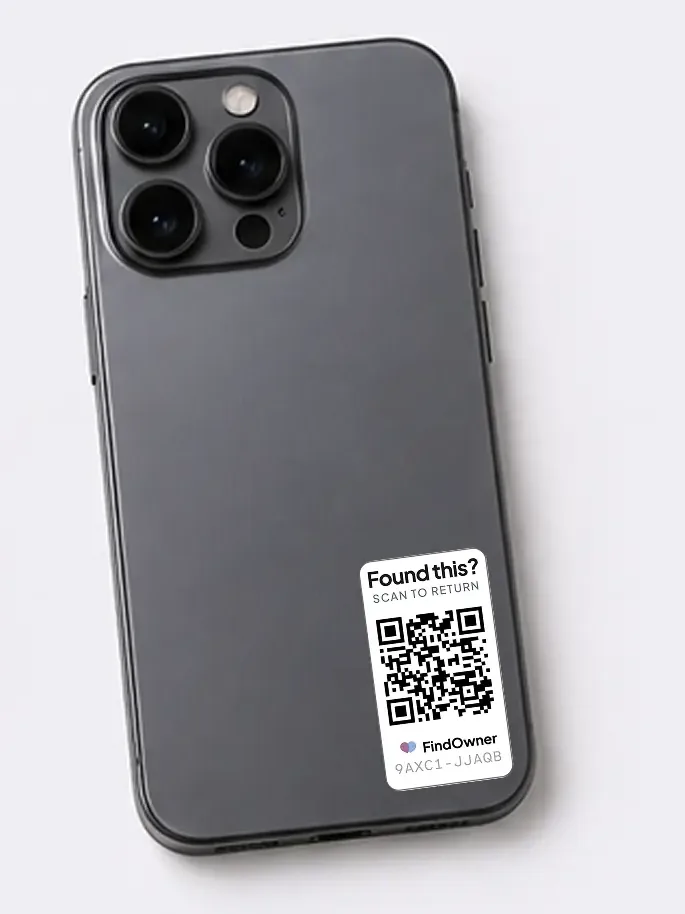
Phone
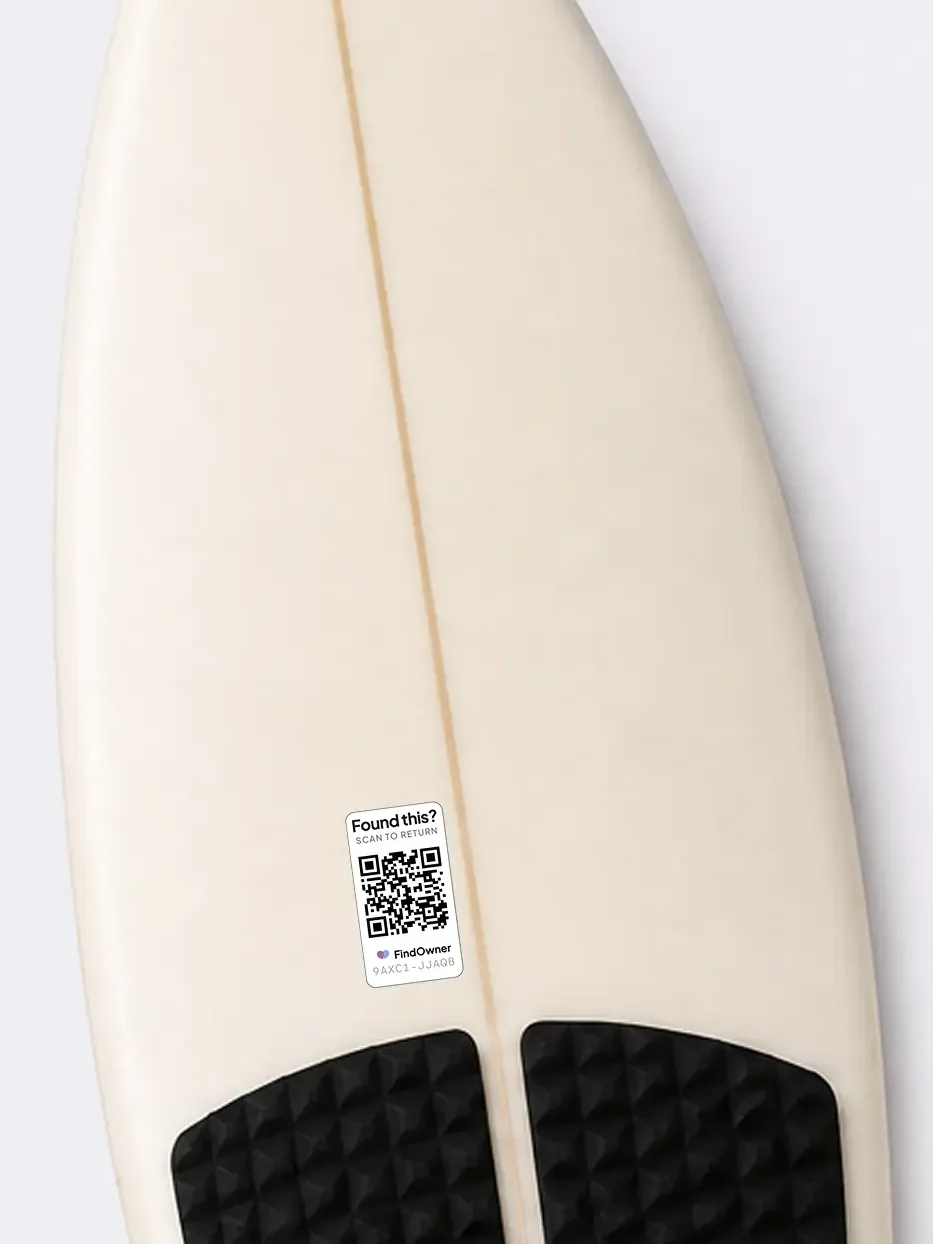
Surfboard
How it works
Losing your passport doesn't have to ruin your trip.
FindOwner will help you recover what's yours. Make it easy for finders to reach you.
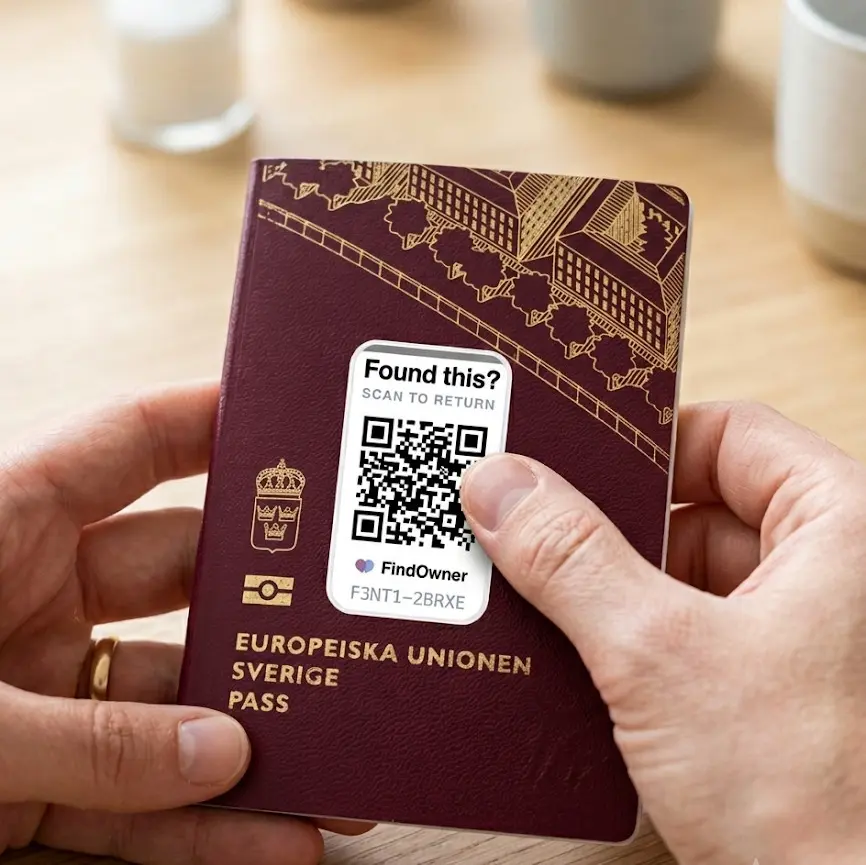
Tag it
Attach a FindOwner tag to anything you’d hate to lose.
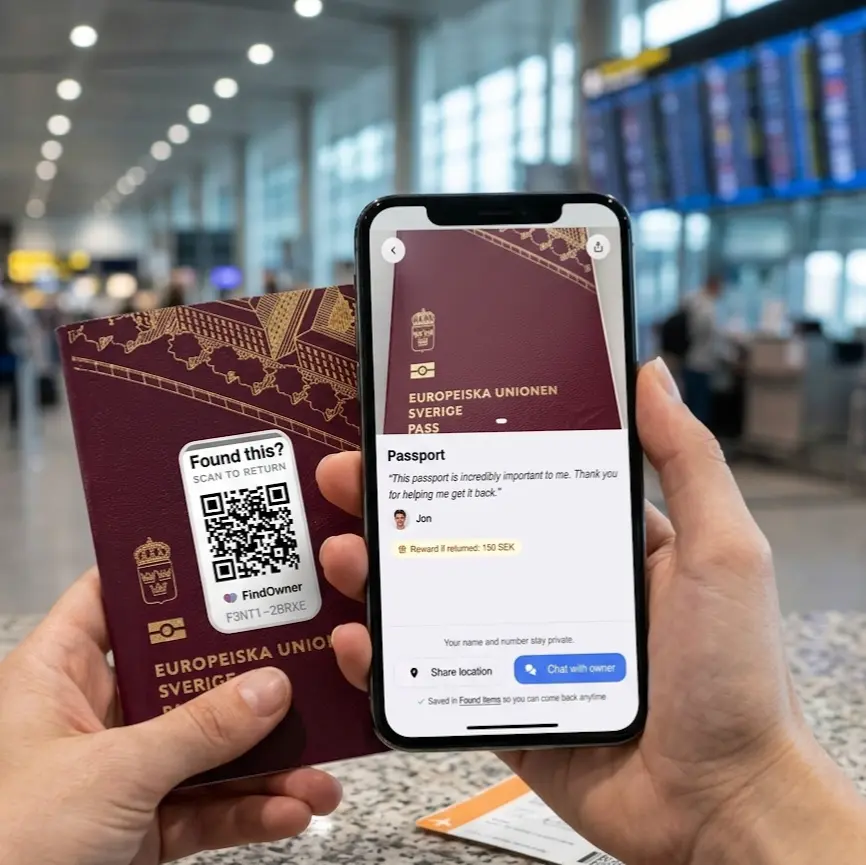
Someone finds it
They scan the tag with their phone and can message you instantly.
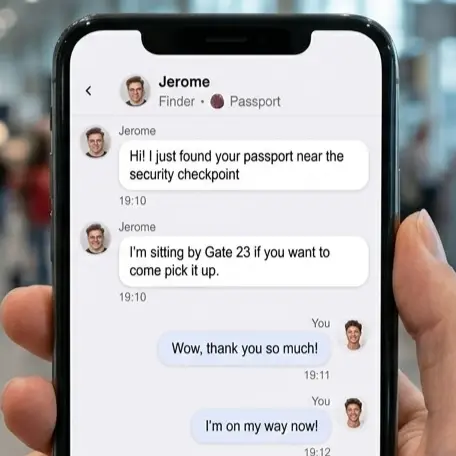
Get it back
Chat privately and arrange a safe return.
Get your FindOwner tags
Print them yourself — or we'll do it for you.
Stick a tag on what you care about. If it's ever found, anyone can scan and contact you privately.
Get 5 tags. Free.
Printable FindOwner tags ready to use.
- 5 unique tags
- Ready-to-print PDF
- No account setup
No signup. No email. Just download & print.
Get 5 durable tags.
Professionally printed.
Made to last. Delivered to your door.
- 5 durable stickers
- Waterproof & weatherproof
- Professionally printed
- Fast worldwide shipping
€19shipping included
Private by design
Finders contact you without seeing your personal details.
You're in control
You decide what information to share — and with whom.
No tracking
FindOwner tags don't track your location or store your movements.
Works anywhere
Anyone can scan the tag from any smartphone. No app needed.
Found something?
Scan the tag or enter its ID below.
Point at a FindOwner tag
Scans automatically
Pricing
Start free. Grow as you protect more.
Protect the things you'd hate to lose—phones, laptops, passports, wallets, keys and more.
Free
Protect what matters most.
- 5 protected items
- Private by default
- Anonymous chat with finder
- Optional rewards
- Finder can share location
Losing a phone, wallet, or laptop costs the average person real money and a bad week. This costs nothing.
Plus
Protect everything you care about.
For people who want FindOwner on more than just the essentials.
- More protected items
- Everything in Free
- Priority access to new features
- Founding member price — locked in
7 founding spots left.
Business
Protect the equipment your business depends on.
Built for teams that need a simple way to get lost equipment back.
- Protect business equipment
- Private finder communication
- Multiple users & items
- Personal setup & support
3 pilot spots available.
For organisations
Protect shared equipment at scale.
From company laptops and cameras to construction tools and shared devices, FindOwner gives whoever finds them a simple way to contact the right organization.
Built for businesses, schools, NGOs, municipalities, rental companies and other teams managing valuable equipment.
FAQ
Do I need to download an app?+
No. Anyone can scan your tag with their phone camera — no app or account required. You only need a FindOwner account if you want to protect and manage your own items.
Is my contact information private?+
Yes. You stay in control. Every conversation starts through a private chat, and you choose what to share for each item — such as your name, profile photo, reward, contact details, or nothing at all. You can remain anonymous for as long as you like.
How does someone contact me if they find my item?+
Scanning the tag lets the finder send you a private message or share where they found your item. You'll receive an email notification immediately and can reply through FindOwner without revealing your phone number or email address.
Does the finder need an account?+
No account needed. Finders don't need to sign up or install anything. They simply scan the tag and can contact you immediately.
What happens if I lose or damage a tag?+
Simply print or attach a new tag and link it to your item. You can also attach multiple tags to the same item if you want extra peace of mind.
Can someone misuse my tag?+
A FindOwner tag only opens a private conversation — it never exposes your identity or location. You decide what information each item shares, and you can edit those settings or end a conversation at any time.
Can organizations use FindOwner?+
Absolutely. FindOwner works for individuals and organizations alike. Businesses, schools, NGOs, sports clubs and other organizations can use it to help recover shared laptops, phones, tools, cameras and other valuable equipment.
Does FindOwner work without an AirTag or GPS tracker?+
Yes. FindOwner does not track your belongings. Instead, it gives the person who finds them a simple way to contact you immediately. You can also use FindOwner together with an AirTag, Tile or another tracker for extra protection.